Why I Switched from Magic Login Links to One-Time Passcodes
Magic links are great until a mail client or security scanner silently fetches the URL before I do.
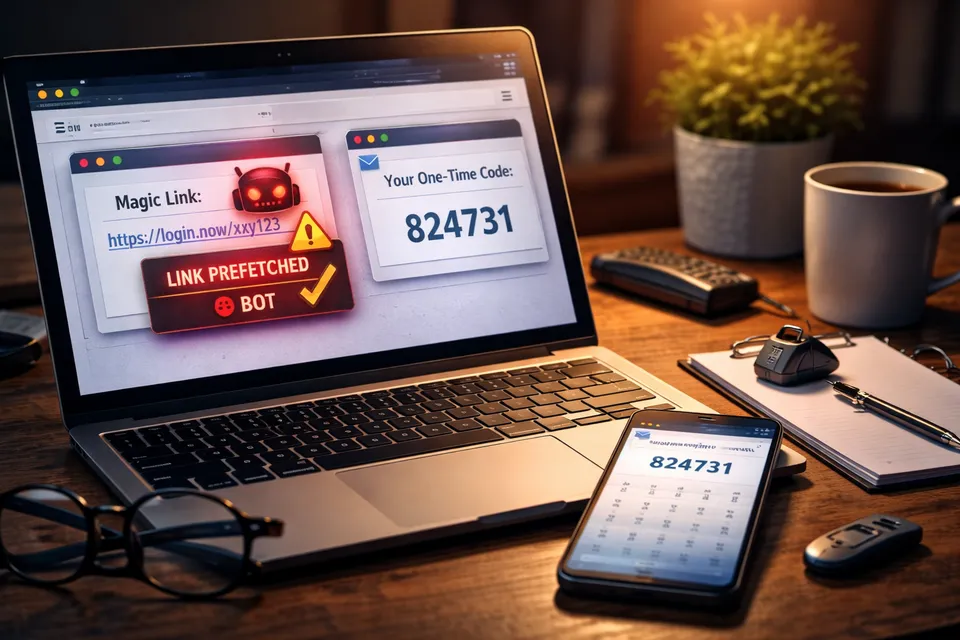
I used to send magic login links whenever someone wanted to sign in to my site. I've always like the simplicity of this approach. Users would enter their email. I would send them a link. They would click it. And Boom, they would be automagically logged in to my website. No passwords. No Bullshit. It's clean, and civilised.
But then something strange happened. While testing with an old Microsoft email account, my magic links were turning up dead on arrival, while links sent to my Hey account worked like a charm.
So I checked the logs, and found that the tokens were being consumed before I had even clicked them. I am the only one with access to that inbox, and I definitely hadn't touched the link. What the frick?
It took me a while to realise what was happening. It was not an attack, or a bug, but rather something in the delivery chain was hitting the link before I could.
Link detonation
There is a name for this: link detonation. When an email arrives, various systems can fetch the URLs inside it before you see the message. Your mail client might do it to generate a preview. Your company's security gateway might do it to scan for malware. An anti-phishing service sitting between the mail server and your inbox might do it to check the link is safe. In my case it was Microsoft Defender scanning my email for links and hitting them before I could.
For a normal link like "read our blog post," this is fine. Fetching the page and discarding the result is harmless. But a magic login link is different. The whole point is that visiting the URL logs you in to my site. It is a one-time secret. When the scanner visits the URL, my server cannot tell it apart from a real user. It sees a valid token, marks it as used, and the scanner gets a 200 response. Done. Token burned. By the time you actually click, the token is gone. And that's exactly what happened to my magic links.
This is not a rare edge case. Microsoft Outlook's "Safe Links" feature does it. Google does it for some Gmail users. Corporate proxies run by Barracuda, Mimecast, and Proofpoint do it routinely. If your email goes through any of that, there is a real chance your magic link will be consumed before you see it.
The tricky part: there is no reliable way to tell the difference between a prefetch request and a real user. You can try checking the User-Agent header, but scanners change theirs, some use headless browsers, and some spoof real browser strings. IP-based filtering is a dead end too, since these services run from cloud IPs that overlap with real traffic.
The workarounds I considered
Before giving up on magic links entirely, I looked at a few ways to save them. I considered the following options:
Let the token work more than once
The simplest (and worst) idea: do not invalidate the token on first use. Let it work a few times, or keep it valid within a time window (say, five minutes). The scanner hits it, fine, the user can still hit it after.
But this is an obviously bad idea, and involves deliberately keeping a secret URL valid after something I don't control has already fetched it. If a scanner can hit it, so can anything else that intercepted the URL: a compromised proxy, a rogue browser extension, a log file that someone left readable. The whole security model of a magic link rests on one-time use. If I let it be used twice, I have to ask why not three times, or ten. It is a slippery slope to a link that is just a long-lived session token in a URL, and that is worse than a password.
I ruled this out.
An intermediary confirmation page
Instead of linking directly to the token URL, I could link to a neutral page with a button or form that, when clicked, actually consumes the token. So the prefetcher loads the intermediary page but does not click the button, and the user is safe.
This works today for most prefetchers. Most of them do a simple GET on the URL and stop. They do not execute JavaScript, fill forms, or click buttons. So the intermediary page protects the token. I nearly went with this.
But I kept thinking about it. Mail security is an arms race. Today's scanners do a simple fetch. Tomorrow's might render the page in a headless browser and click through, because attackers are already putting their real payload behind "click here to continue" intermediary pages. If a security product wants to check what is behind that button, it will start clicking. Suddenly my intermediary page is no longer a barrier, and I am back where I started.
I would be betting my login flow on the current limitations of automated systems, which feels fragile.
SMS codes
Send a code via SMS instead of email. This solves the prefetching problem (nobody is prefetching an SMS). But SMS has its own issues: delivery is unreliable in some countries, it costs money per message, SIM swapping attacks exist, and some users do not want to give me their phone number. In fact I do not want them to give me their phone number either, it's a data privacy concern. For a small job board, SMS is overkill and adds complexity I do not need.
Passwords
Add passwords and put up with all the horseshit that comes with them: reset flows, confirmation emails, lockouts, complexity requirements, credential stuffing, password managers and so on. I nearly went for this, but decided against it because I really want a simple, frictionless login experience.
Passkeys
Passkeys are phishing resistant and elegant. No passwords, no email codes. I considered them. But they require setup: the user has to create a passkey first. Not everyone has a device that supports them, or knows what they are. For a small job board, OTP works with just an email address. No setup required. I ruled it out for now, but I might add them later as an option for users who want it. I'll see how it goes.
Why OTP won
After going through all of that, the answer was obvious. Stop putting the secret in a URL! Instead, send a code in the email body. That way, there is nothing for a scanner to fetch. The code is not a URL. It is not a link. It is six digits sitting in a paragraph. No automated system is going to read the text of my email, extract a number, navigate to my site, find the login form, type in the code, and submit. That is not what email scanners do. They fetch URLs. And now there are no URLs to fetch. I've also added session binding as an extra precaution, just in case they do start doing that!
So I switched to a six-digit one-time code. The email contains the code as text. No link. The user reads the code from the email and types it into the site. This is the way to go.
The security properties are solid too. The code expires quickly (fifteen minutes). It can only be used once. After a handful of wrong guesses, the code locks out. The raw code never touches the database; only a digest is stored, so even if someone reads my database they cannot recover the code. And the user experience is fine: I open the email, see the code, type it in, done. It is one more step than clicking a link, but it works every time, which is more than magic links could promise.
Another benefit: no same-browser constraint. I can receive the email on my phone and type the code on my desktop, or the other way around. The code travels with me. Magic links with session binding, by contrast, tie the link to the browser that requested it. Start the login on my laptop but check my email on my phone? The link is useless. With OTP, where I receive the email and where I enter the code can be different. With session binding in place, a bad actor would need both the browser cookie and the email. That is one of the major advantages of OTP.
Why not magic links and OTP fallback in the same email?
Send both. The user clicks the link if it works, falls back to the code if it has been detonated. I considered it. The problem: I am still putting a secret URL in the email. I have not solved the detonation problem, I have just added a backup. The user experience is worse too. They click the link, get "expired" or "already used," then have to hunt for the code. Why not give them the code from the start? Two auth paths to maintain, a cluttered email, and the link is still a liability. OTP alone is simpler.
I am also going to add social logins for those who do not want OTP and do not like the hassle of checking their email to log in to something.
Long story short
Magic links are elegant. They feel modern. But they depend on something I do not control: what happens to a URL between the moment I send the email and the moment the user clicks. If anything in that chain fetches the URL first, my login breaks. The workarounds are either insecure (reuse the token) or fragile (hope scanners never get smarter).
A code in the email body sidesteps all of it. Nothing to fetch, nothing to detonate, nothing to worry about. It is a small trade-off in UX (typing six digits instead of clicking a link) for a big gain in reliability.
If you are building passwordless auth, save yourself the arse-ache, use OTP codes instead of magic links.